BMS WAV Vol Converter
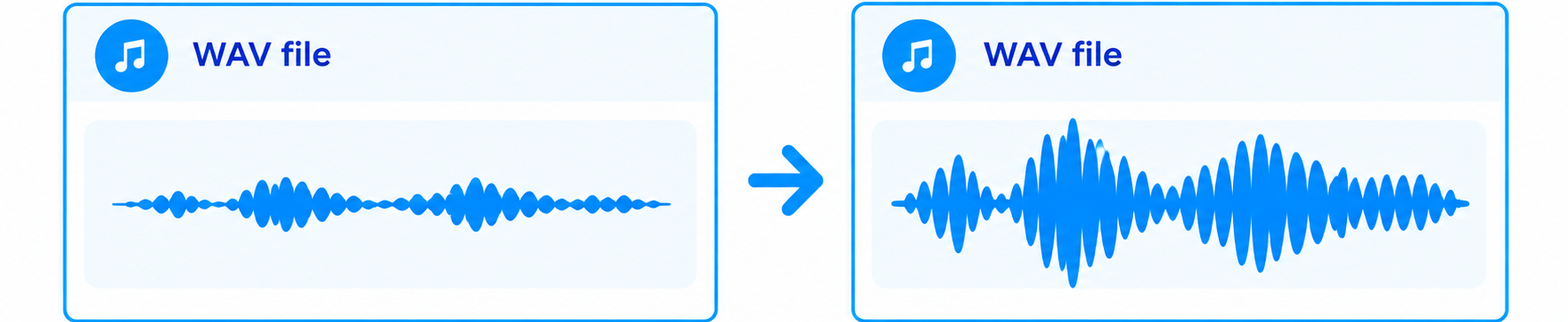
Upload a ZIP of WAV files and shift every file by the same amount, in dB. Sample rate, bit depth and channel count are kept as they are.
STEP 1 — Upload your ZIP file
ProcessingLimits
- Maximum upload size: 100 MB
- Maximum unzipped file size: 200 MB
- Maximum number of files: 2,000
- Deleted 1 hour after export: 1 hour
STEP 2 — Adjust the volume
WaitingUpload a ZIP file first.
STEP 3 — Download
WaitingChoose a gain and press Convert.